


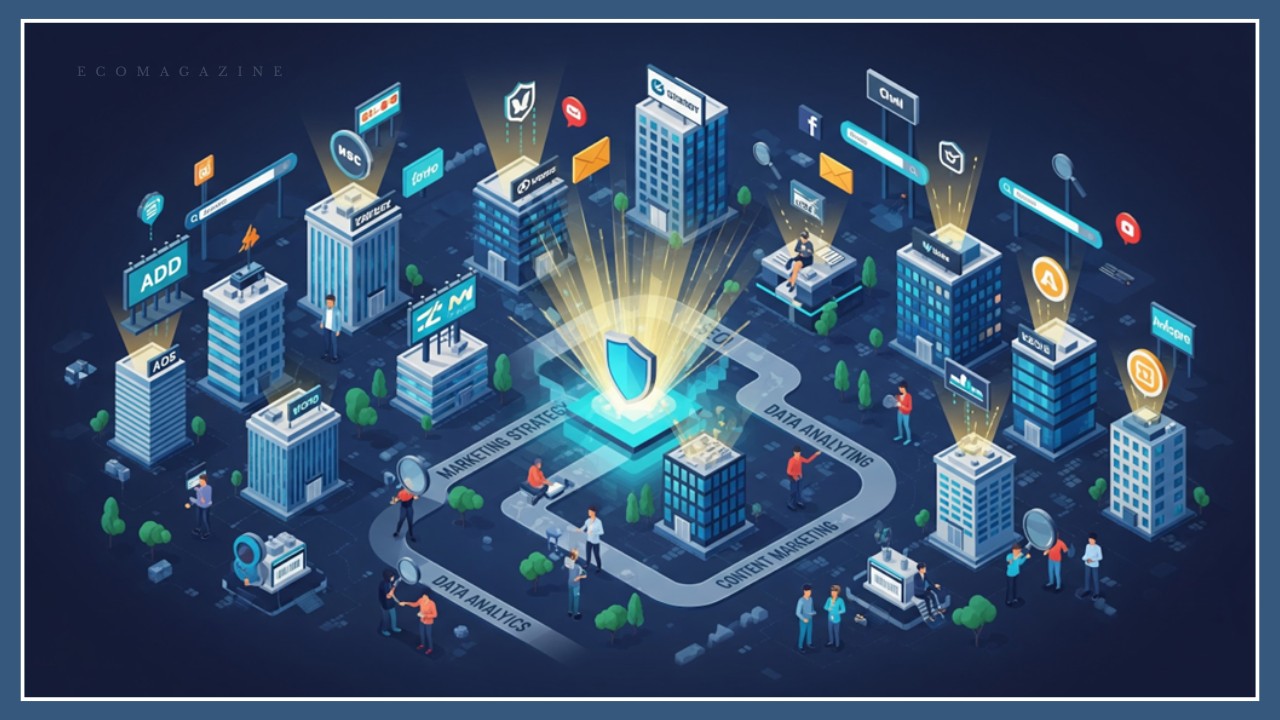
Website security isn’t just about protecting your online presence. This factor also impacts customer trust and, consequently, your brand reputation and marketing efforts. Would you purchase from a site that looks sketchy or lacks security features like HTTPS and SSL certificates? Most likely not, and your customers probably wouldn’t either.
When brands think how to build a website, they focus largely on design, content, and functionality. That makes sense, but cybersecurity is just as important. In a 2024 survey, 56% of consumers said they wouldn’t share their personal information with a business previously affected by data breaches. This figure was highest among respondents aged 45 to 54 (76%) and 55 years or older (66%).
Given these aspects, you’ll want to put cybersecurity at the core of your operations. It’s one of the first things you must consider when starting a website, devising a marketing strategy, or rebranding.
Here’s why it matters and how to do it right.
How Website Security Impacts Your Marketing Efforts
Chances are, you’ve worked hard to build a website that showcases your brand’s voice. Now, picture a hacker slipping in and changing headlines, swapping out links, or inserting misinformation. Suddenly, visitors no longer see your content, but a bunch of misleading offers or links to malicious sites.
Even if no sensitive data is exposed, your brand reputation would still suffer. The result? Consumer mistrust, negative publicity, and revenue loss.
But that’s not all. A cyberattack could also impact your SEO and PPC efforts, leading to wasted marketing spend. For example, most web browsers, search engines, and antivirus software warn users when a website is unsafe. This could deter potential customers, making them think twice before clicking your ads or accessing your site. Also, remember that Google prioritizes the user experience and may penalize or blacklist a compromised website. If that happens, you’ll lose traffic, visibility, and sales.
Another aspect to consider is that security issues can impact website functionality, affecting UX and SEO. For instance, malware infections can cause your site to crash unexpectedly or redirect visitors to spammy pages. You may also notice missing images, disabled buttons, or suspicious content.
This kind of disruption can increase bounce rates, reduce engagement, and affect your search rankings. Even worse, if potential customers encounter such issues on their first visit, they may never return.
Cybersecurity and Brand Reputation Go Hand-in-Hand
Even a minor security incident can undo years of marketing. Consumers remember which brands protected their data, and which ones didn’t, and they might not return to a business that let them down.
According to an IBM report, the average cost of a data breach is $4.88 million. A big chunk of the loss comes from business fallout, including:
- Customer churn
- Reputational damage
- Legal fees and regulatory fines
- Decline in market value
- Lower brand equity
- Lost revenue during downtime
- Post-breach activities
For example, recovering from negative media coverage can take years. Think about the Equifax breach, which took place in 2017.
People still remember how the company failed to patch a known vulnerability, resulting in a security incident that exposed the personal data of 147 million customers. The breach caused significant financial losses for Equifax and shattered consumer trust.
The consequences are even more dire for small businesses, which may not be able to recover from a PR disaster. Unlike Equifax and other corporations, they don’t have deep pockets, legal teams, or crisis comms experts to fix the damage. Without these resources, they risk losing everything they’ve built.
Cybersecurity 101: Five Steps You Can Take Today to Protect Your Site
Website security requires specialized skills, but there are some steps you can take yourself. As your business grows, you can hire a cybersecurity expert or outsource this function to an external service provider.
Here’s how to get started:
1. Be Selective with Your Tech Stack
The apps you use for SEO, marketing, and other online activities can introduce security risks. Any of these tools is a potential entry point for hackers, especially if it comes from questionable sources.
With that in mind, check the developer’s track record, how often the app is updated, and whether it has known vulnerabilities. Prioritize tools with positive customer reviews, excellent support, and clear security documentation.
2. Keep Your Software Up-to-Date
Update your content management system (CMS), plugins or add-ons, and software programs. Better yet, choose a web host that provides automatic updates.
Outdated software often has vulnerabilities that hackers actively look for. Plus, it may not work with newer operating systems and apps, increasing the risk of data loss or corruption. In some cases, a single unpatched plugin can give attackers access to your entire site.
3. Implement Role-Based Access Control
Give people access only to what they need to do their jobs, whether it’s content writing, order management, or web design. Granting them full admin rights increases the risk of data leaks, errors, and other issues, especially if their credentials get compromised.
For instance, support reps don’t need access to your website’s backend settings. Similarly, copywriters and editors shouldn’t have permission to view or change plugin settings or user data.
The best thing you can do is employ the principle of least privilege. With this approach, you’ll grant employees, contractors, and partners the bare minimum permissions required to perform specific tasks.
4. Enable Two-Factor Authentication (2FA)
Two-factor authentication provides an additional level of protection on top of a password. If, say, a hacker steals someone’s login credentials, they can’t get in without completing a second step, like entering a temporary code sent to a mobile device. This extra step can prevent unauthorized access and data breaches.
Let’s assume your website is built on Wix. To enable 2FA, register for a Twilio account and then connect it to your Wix account.
Make 2FA mandatory for anyone with backend access, including admins, developers, editors, and contractors. It’s also a good idea to enable this feature for registered customers to prevent fraudulent orders and account takeovers.
5. Scan Your Website for Vulnerabilities
Deploy online tools like ZAP, OpenVAS, or Acunetix to scan your site for vulnerabilities, such as outdated plugins and misconfigured settings. These apps can detect potential issues before attackers do, giving you a chance to take proactive action.
Ideally, perform vulnerability scans at least once every three months. Do it more weekly or even daily if you sell products or services online or handle sensitive data. Consider automating the scanning process to save time and prevent human error.
Keep Your Website Safe to Protect Your Brand
Having a visually appealing website and great products isn’t enough to drive sales. You also need to secure your site and take the steps to safeguard customer data.
For starters, choose a secure web host and follow the practices described above. Go one step further and install a web application firewall to automatically block SQL injections, force login attempts, and other common threats.
Don’t forget to set up automatic backups and devise a recovery plan to minimize downtime if something goes wrong. As you implement these strategies, train your staff on cybersecurity best practices, including how to spot phishing attempts, create stronger passwords, and handle sensitive data.
