


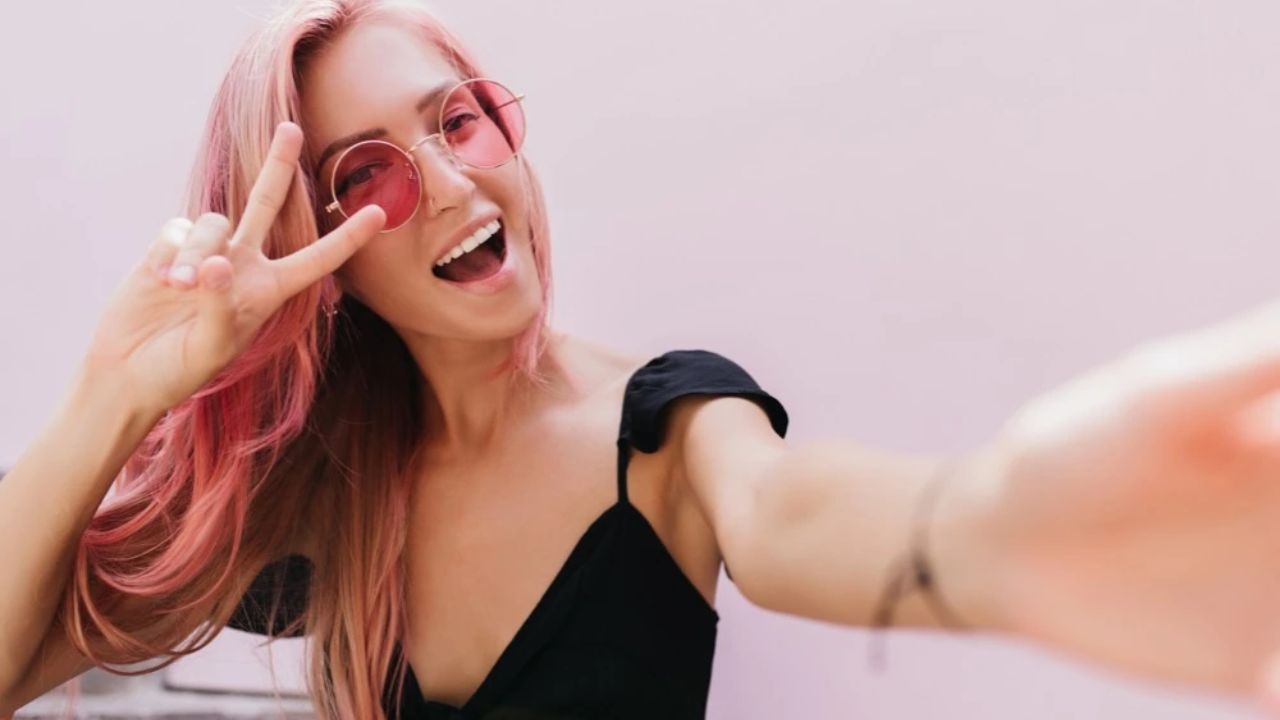
Selfie hair color edits often go wrong in predictable ways. Flat, oversaturated colors that ignore your natural texture, edges that bleed onto your face, or shades that completely change your appearance rather than enhance it. The challenge with selfies is the close-up nature—every mistake shows clearly, and poor color work becomes immediately obvious.
The secret to believable hair color changes is preserving what makes you recognizable while testing new shades. Professional tools like retouchme.com/service/change-hair-color-app-photo-editor maintain your hair’s natural highlights, shadows, and texture while changing the base tone, ensuring the result still looks like you – just with different color.
Why Selfie Hair Edits Are Trickier?
Selfies are taken close to your face, meaning hair color changes need precision. Any color bleeding onto your forehead, cheeks, or ears becomes glaringly obvious. The proximity also means your hair texture is highly visible—flat color application that ignores individual strands looks painted on rather than natural.
Front-facing cameras often have lower quality than rear cameras, creating softer focus that makes precise selection difficult. You’re working with less detail, which means your editing approach needs to compensate for this limitation.
Keep Your Natural Dimension
Your hair isn’t one solid color—it has lighter sections where light hits and darker areas in shadow. When changing color in selfies, maintain these variations by adjusting the overall tone while preserving relative lightness and darkness throughout.
If you have highlights or lowlights, don’t erase them. Transform them into the new color family instead. Blonde highlights becoming caramel when going brunette, or dark lowlights turning auburn when going red—this dimensional approach keeps the color realistic.
Watch Face-Framing Edges
The hairline around your face is the most critical area in selfies. This is where people’s eyes naturally go first, and sloppy edges here ruin the entire edit. Baby hairs, flyaways, and wisps need individual attention—not bulk color application that blurs everything together.
Precise edge work separates professional results from amateur attempts. Your hairline should show individual strands transitioning cleanly between hair color and skin, not a fuzzy or bleeding border.
Match Your Features
Your eyebrows provide a natural guide for whether hair color suits you. Dramatic differences between brow and hair color can look jarring in selfies where both are prominent in frame. Consider subtle brow adjustments if testing very different hair shades.
Similarly, your skin tone should harmonize with your new hair color. What works on someone else might clash with your complexion in close-up selfies where color relationships are more noticeable.
Maintain Texture and Shine
Selfies show hair texture clearly. Smooth, shiny hair should stay glossy after color changes, while textured or matte hair should keep that quality. Match how your new color reflects light to how your actual hair behaves.
Successful selfie hair editing means people recognize you immediately but wonder if you actually dyed your hair. When the color looks natural enough to cause that doubt, you’ve nailed it.
