


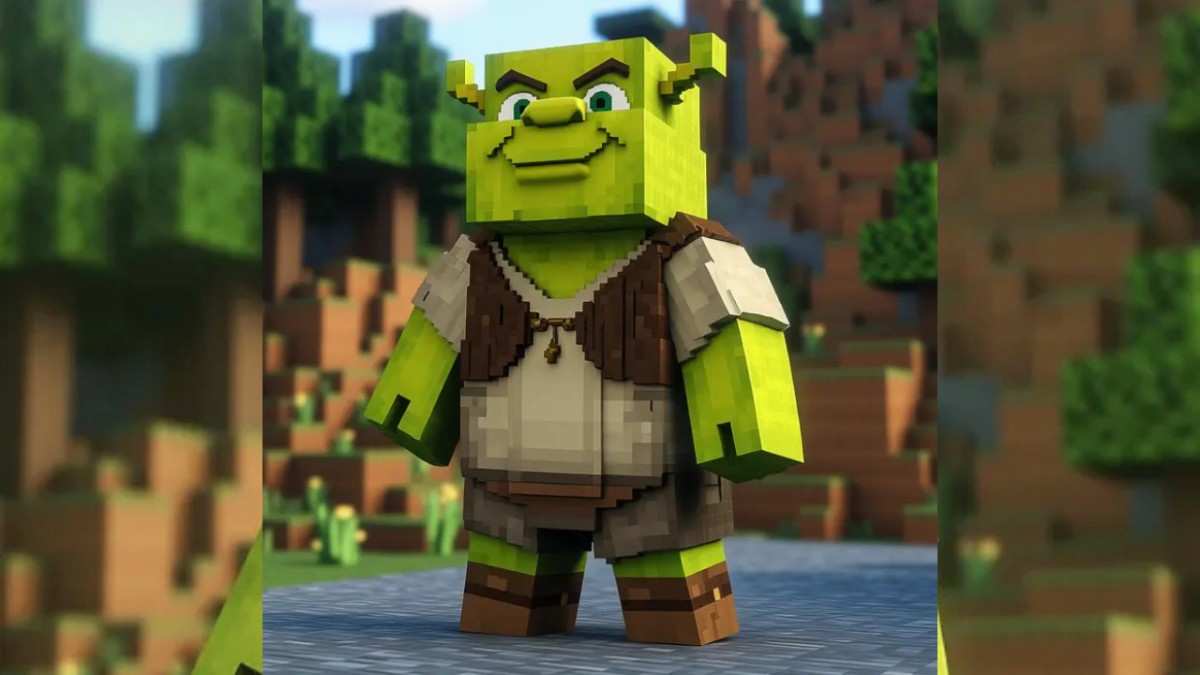
Do you remember the first time you tried to create your own Minecraft skin?
For many of us veterans, it is a core memory from the early 2010s. You opened a clunky browser editor, stared at a confusing, flattened grid of boxes, and tried to figure out which square corresponded to the “left ear.” You spent hours clicking individual pixels, trying to shade a blue shirt, only to load into the game and realize you had accidentally put your face on your shoulder.
It was a rite of passage. But it was also undeniably tedious.
Fast forward to 2026. The gaming landscape has shifted from “grinding” to “optimizing.” We no longer have the luxury of spending four hours fighting with a pixel editor to get a gradient right. We want our digital avatar to match our imagination now, so we can get back to building, fighting, and exploring.
This shift in player priorities has given rise to a new class of tools. I recently spent time deconstructing the workflow of Image to Minecraft Skin, and what I found suggests that we are witnessing the end of “manual skinning” as the default standard.
The Evolution of the “Digital Canvas”
To understand why this technology matters, we have to look at how we traditionally interact with the game.
For a decade, your ability to look cool in Minecraft was directly tied to your ability to draw. If you weren’t an artist, you were a consumer. You had to wear what other people made. You were limited to the trends of the “Top Weekly” charts—usually a sea of generic teenagers in hoodies.
Generative AI flips this dynamic. It changes the input method from Technical Skill (clicking pixels) to Semantic Intent (describing ideas).
My “Clashing Aesthetics” Experiment
To test the limits of this semantic understanding, I didn’t want to give the AI an easy task. I wanted to see if it could blend two contradictory styles—something a human artist would struggle to balance.
The Prompt: “A Cyberpunk Viking. High-tech neon circuitry glowing on ancient fur armor. A holistic blend of Norse mythology and futuristic sci-fi.”
The Observation:
In a manual workflow, this design is a nightmare. How do you make “fur” look natural next to “neon metal” on a low-resolution grid?
In my testing, the engine handled the Material Contrast surprisingly well.
- The Fur: It used a “noisy,” scattered pixel pattern to simulate the roughness of the pelt.
- The Neon: It used high-saturation, solid lines with surrounding lighter pixels to create a “bloom” effect, simulating a light source.
The result wasn’t just a mashup; it was a cohesive design. It understood that the “tech” should probably be the armor plating, while the “Viking” elements should be the under-layers.
The “Remix” Workflow: Iteration over Creation
The most powerful aspect of this tool isn’t creating from scratch—it’s Iterative Refinement.
In the old days, if you downloaded a skin you liked but wanted to change the color from Red to Green, you had to manually repaint every single shaded pixel. It was exhausting.
With the AI workflow, I found I could take a “Base Concept” and remix it instantly.
- Iteration 1: “A fire mage with red robes.” (Result: Good, but too simple.)
- Iteration 2: “Make the robes tattered and add gold trim.” (Result: Better texture.)
- Iteration 3: “Change the eyes to glowing purple and add an obsidian amulet.” (Result: Perfect.)
- This allows players to treat skin creation like a Character Creator menu in an RPG, rather than a painting project. You are curating, not laboring.
A Technical Comparison: The Efficiency Gap
Why are veteran players switching to this method? It comes down to the “Return on Time Invested.”
| Metric | The “Old School” Editor | AI Video Generator Agent |
| Input Method | Mouse clicks (Pixel by Pixel) | Natural Language / Reference Images |
| Shading Complexity | Requires knowledge of hue-shifting | Automatic & Algorithmic |
| Time to Prototype | 30–60 Minutes | 10–30 Seconds |
| Anatomy Logic | Prone to user error (Backwards arms) | Pre-trained Structural Mapping |
| Creativity Limit | Limited by your hand skills | Limited only by your vocabulary |
The “Shading” Barrier
The table highlights the killer feature: Shading.
Flat colors look amateurish in Minecraft. Good skins use “dithering” and “hue shifting” to create volume. The AI applies these advanced techniques by default. It essentially gives every player the output quality of a professional skinner, democratizing the aesthetic standard of the game.
The “Cosplay” Capability (Image-to-Skin)
There is another feature that I believe will define the 2026 meta: Real-World Translation.
I tested the Image-to-Skin feature with a photo of a Halloween costume—a complex “Plague Doctor” outfit with a leather beak mask and a lantern.
The Result:
The engine performed a process called Feature Abstraction. It didn’t try to render the photo realistically (which would look messy). Instead, it identified the key identifiers:
- The shape of the beak.
- The black brimmed hat.
- The dark leather texture of the coat.
It translated these into the Minecraft format. The result was a stylized, readable version of the costume. For players who want to “cosplay” as their favorite movie characters or even their own real-life outfits, this removes the need to hunt for a skin that “kinda looks like it.”
The Reality Check: It’s Not Flawless
To be a responsible user, you must understand the limitations. AI is a tool, not a miracle worker.
- The “Glitch” Factor: Occasionally, the AI hallucinates. In one test, it gave my character eyes on the back of its head. You have to be ready to hit the “Regenerate” button. It is a game of probability.
- Fine Detail Loss: If you need a specific QR code or a tiny text logo on your character’s back, the AI will likely blur it. It excels at textures and shapes, not typography.
- The “Generic Face” Syndrome: Unless you upload a reference photo, the AI tends to default to a standard “anime-style” eye shape. If you want a very specific cartoon face (like The Simpsons), you might need to tweak the face manually after generation.
Conclusion: Reclaiming Your Identity
We are entering a golden age of player expression.
For years, we accepted the limitations of our own artistic skills. If we couldn’t draw, we didn’t get to look unique. The AI Minecraft skin generator shatters that barrier. It encourages the builder, the fighter, and the explorer to actively step into the creative side of who they are.
It shifts the focus from asking what skin is available to deciding who you want to become.
The grid remains 64×64 pixels, but now creativity matters more than artistic skill—anyone with imagination can shape it.
