


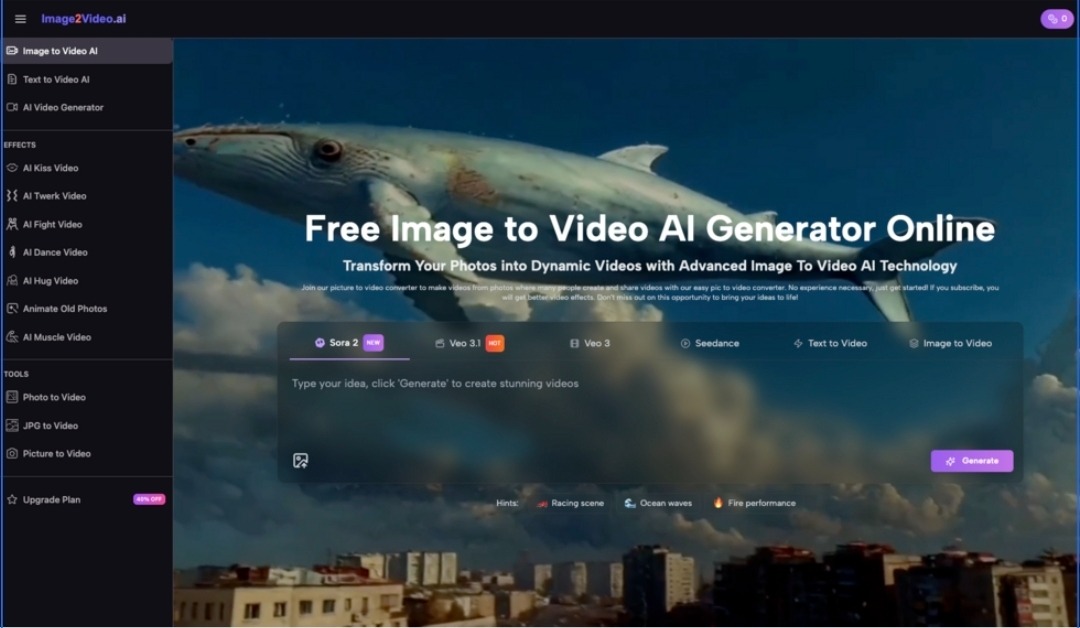
If you’ve ever stared at a strong photo and still felt it wasn’t “enough,” you already understand the gap modern content lives in. A single image can be beautiful, but it rarely holds attention the way motion does. That’s why I started experimenting with Image to Video AI—not to replace editing software, but to see whether a browser tool could add just enough movement to make a still feel alive.
My expectation was modest: I wanted subtle motion, not spectacle. After a handful of tests (a portrait, a product shot, and a street scene), what stood out wasn’t perfection—it was how quickly I could iterate toward something usable, especially when I treated the tool less like “magic” and more like a controlled creative experiment.
The Tension: You Need Motion, But You Don’t Want a Full Production
When you need video, you typically face a tradeoff:
- Spend time learning timelines, keyframes, masking, and exports
- Or accept generic motion templates that look obviously artificial
- Or outsource the work (and lose speed, control, and budget)
For many creators, the real problem is not capability. It’s friction. You want motion that supports the story, not a process that becomes the story.
A Useful Mental Model: “Motion as a Layer,” Not a Full Rebuild
The best way I’ve found to think about image-to-video tools is this:
- You already have the frame (your photo)
- You want the feeling of life (micro-movement, camera drift, depth shift)
- You don’t necessarily need complex choreography
In my tests, Image to Video worked best when I asked for gentle, believable motion—like adding a “breath” to the frame rather than forcing a dramatic action sequence.
How It Works in a Real Workflow
Here’s the process I followed repeatedly without needing to re-learn anything:
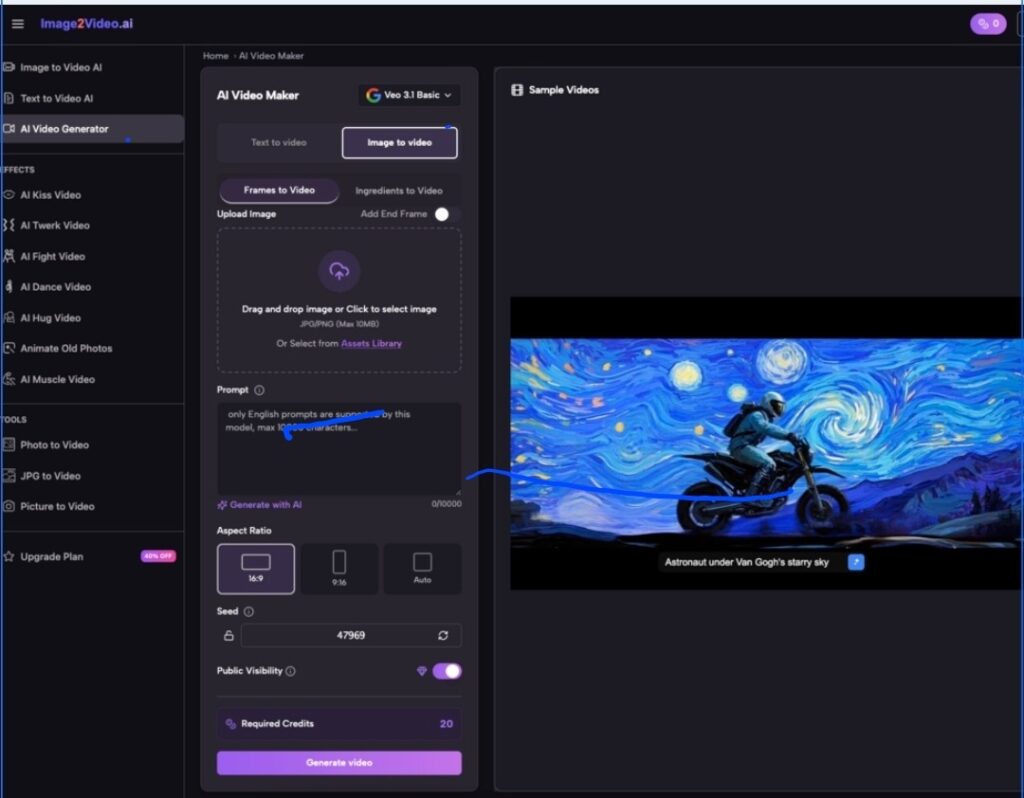
Upload
I started with clean, high-resolution images. The tool takes common formats, and the upload step is straightforward.
Describe the Motion
I typed short prompts that focused on mood and camera behavior rather than describing everything in the scene. The tool seems to respond better when you give it one or two priorities.
Set Output Parameters
What matters most in practice:
- Aspect ratio (vertical vs horizontal)
- Resolution (when you want to keep detail)
- Frame rate (smoother motion vs lighter compute)
- Duration (short clips are easier to keep stable)
Generate, Review, Iterate
The first generation is rarely the final one. But iteration is fast enough that I naturally tried two or three variations rather than settling for the first output.
Comparison Table: What You Gain, What You Trade
| Comparison Item | Image to Video AI (Browser) | Traditional Editing Software | Template Motion Apps |
| Setup time | Minimal | High (install, assets, learning curve) | Low |
| Motion control | Prompt-based plus output settings | Full manual control | Usually limited to preset behaviors |
| Best use case | Short clips from a single still image | Professional sequences, compositing, complex edits | Fast social content with standardized styles |
| Speed of iteration | Fast (regenerate variations quickly) | Slower (manual changes, render cycles) | Fast, but constrained |
| Visual realism | Strong for subtle motion, varies by input | Highest potential with skill | Often “template-looking” |
| Risk of artifacts | Medium (depends on image and prompt) | Low when done carefully | Medium to high |
| Learning requirement | Low | High | Low |
| Consistency across outputs | Moderate (multiple generations may differ noticeably) | High (you control the pipeline) | Moderate |
What Felt Surprisingly Good in My Testing
Micro-movement that reads as “real”
When I used prompts like “slow camera push-in” or “gentle breeze,” the result often looked stable and natural. It wasn’t trying to do too much, which helped it succeed.
Depth-like motion without building 3D
Some outputs gave a mild parallax feel that made a flat photo feel dimensional. It won’t replace true 3D, but it can be enough for a short reel or product teaser.
Creative momentum
The biggest advantage wasn’t a single perfect output—it was the momentum. You can explore quickly, and that changes how you create. When iteration is cheap, you try more ideas.
Where You Should Be Cautious
Results depend heavily on the source image
Busy backgrounds, extreme lighting, or unusual facial angles can introduce distortions. A clean, well-lit image gives the model a better foundation.
Faces and hands can be fragile
This is common across AI video generation. In my portrait test, subtle motion looked good, but aggressive prompts increased the chance of warping around eyes and fingers.
You may need multiple generations
The tool can produce great results, but not always on the first run. Planning for two to five attempts makes the experience feel more realistic and less disappointing.
Short duration is a feature and a limit
Short clips are easier to keep stable. But if you need long scenes with narrative continuity, you’ll likely need a different workflow.
Prompt Strategy That Gave Me Better Outputs
Keep it single-purpose
Instead of “cinematic, dramatic, detailed, 4K, hyperreal, fast action,” I used prompts like:
- “Slow camera push-in, subtle motion, stable”
- “Gentle breeze, natural movement, no distortion”
- “Soft handheld drift, calm mood, minimal movement”
Avoid conflicting instructions
“Fast motion” plus “stable camera” can create mixed outputs. When I prioritized one goal, the results improved.
Who This Is For
Creators who need motion fast
If your content pipeline relies on speed—social posts, quick promos, visual storytelling—this is a practical tool.
Marketers who want lightweight video variations
A product photo can become multiple short clips with different motion styles without rebuilding everything.
Designers who want to prototype mood
It’s useful for testing whether a static concept would work better as a moving visual before committing to a full production.
Closing: The Value Is Not Perfection, It’s Possibility
Image to video generation isn’t effortless magic. It’s a new kind of creative control—one where you guide motion through intent, iterate quickly, and accept that output quality depends on the input and the prompt. When I approached it that way, Image to Video AI became less of a novelty and more of a practical tool for turning a still into something with presence.
